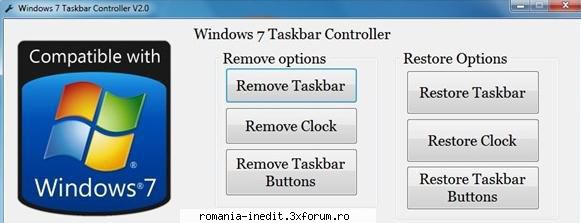
There are free tools available to remove/hide Windows 7 taskbar, taskbar clock, and notification area; you can’t find all above mentioned functions in a single utility. Windows 7 Taskbar Controller is a portable utility to enable/disable some functions of the feature-rich taskbar. It enables you hide/remove the taskbar, taskbar clock, and notification area (system tray) with a mouse click. This tool also lets you revert to the default Windows taskbar in a jiffy. This tool does some changes to Windows registry to enable/disable a taskbar function. This is a standalone tool, which means it doesn’t require installation. Just extract the download file and run it. Please note that you need to have installed Microsoft .NET Framework 4 to be able to run this handy tool.